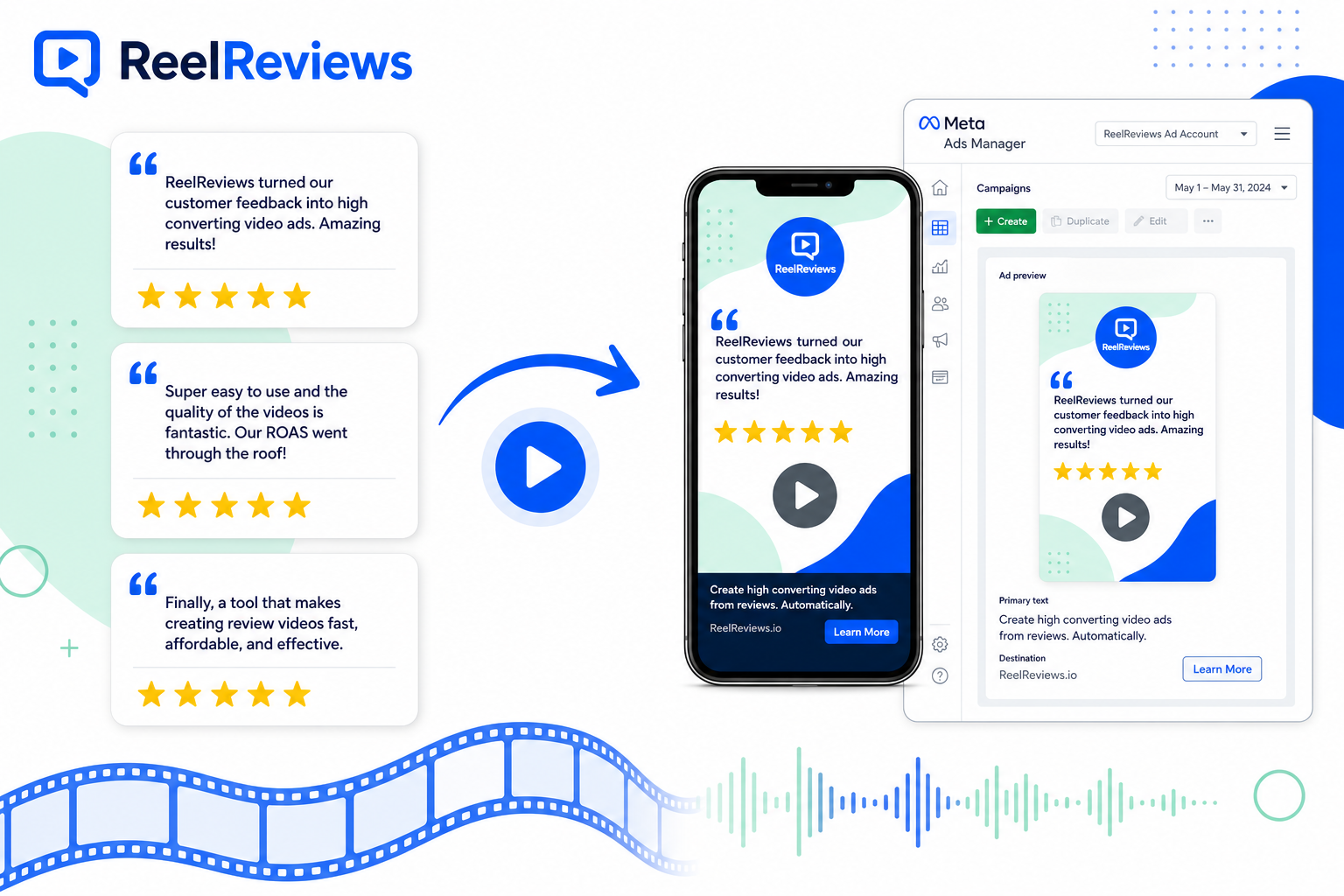
Why Review Videos Win on Meta
Facebook and Instagram feeds are full of brand-made claims. A five-star review from a named customer cuts through that noise. When that same review is animated, captioned, and branded for vertical video, it performs like a testimonial — without the cost of a shoot.
Review-based Meta ads typically help with:
- Lower cost per result — Social proof creative often improves CTR and relevance scores versus generic product ads
- Faster trust — Prospects hear (or read) a real customer’s words before they hit your landing page
- Reusable creative — One strong review can fuel Feed, Reels, Stories, and retargeting placements
- Objection handling — Pick reviews that address price, quality, speed, or service — then run them against cold and warm audiences
If you’re still collecting reviews on Facebook itself, start with our guide to turning Facebook reviews into videos. Google Reviews work just as well — see Google Reviews to video.
What Makes a Strong Review Ad Creative
Not every five-star review belongs in Ads Manager. Prioritise reviews that:
- Mention a specific outcome (“booked in 24 hours”, “fixed it first visit”, “lasted through three seasons”)
- Speak to a common objection your ads already face
- Sound like a real person — short, concrete, and credible
- Include a clear star rating and a name you can display accurately
Keep the first three seconds tight: stars visible, strongest quote line on screen, brand mark present. Most Meta viewers watch with sound off, so captions are non-negotiable — every ReelReviews video includes them as standard.
How to Turn Reviews into Meta Ads with ReelReviews
- Pick your best reviews. Pull from Google, Trustpilot, Facebook, Yelp, Amazon, Etsy, or upload privately. Choose testimonials that match the offer and audience in your campaign.
- Send brand details. Logo, colours, and preferred voice. We produce on-brand videos with voiceover, captions, and the reviewer’s name and rating.
- Get ad-ready files. Receive vertical, square, and landscape versions sized for Reels, Stories, Feed, and more — typically within 24–72 hours.
- Upload to Ads Manager. Drop the videos into your Meta campaign, pair with a clear offer, and test against your existing creative.
No cameras, no CapCut sessions, no waiting on customers to film. You already have the social proof — ReelReviews makes it Meta-ready. New to AI video testimonials? Read what is an AI video testimonial.
Where to Use Review Videos in Meta Campaigns
- Cold prospecting — Lead with credibility before the product pitch; use reviews that introduce who you help and what changed
- Retargeting — Show site visitors a review that answers the hesitation that stopped them converting
- Local awareness — Pair Google or Facebook community reviews with geo-targeted ads for service businesses
- Offer launches — Stack several short review clips as a montage for promotions and seasonal campaigns
Agencies managing multiple Meta accounts can white-label the process — see agencies & resellers for partner options.
Formats and Specs That Work
| Placement | Recommended ratio | Length |
|---|---|---|
| Reels / Stories | 9:16 vertical | 15–30 seconds |
| Feed (mobile) | 4:5 or 1:1 | 15–30 seconds |
| Feed (desktop) / in-stream | 16:9 landscape | 15–30 seconds |
ReelReviews delivers the sizes you need so you’re not re-exporting for every placement. Captions, branding, and star ratings stay readable on small screens. Running the same creative organically too? See our guide to turning reviews into Instagram Stories.
Frequently Asked Questions
Can I use customer reviews in Meta ads?
Yes. Businesses routinely use genuine customer reviews and video testimonials in Facebook and Instagram ads. Display the reviewer’s name and rating accurately, and avoid misleading edits that change the meaning of the original feedback.
What ad formats work best for review videos on Meta?
Short vertical videos (9:16) perform well in Reels and Stories placements. Square (1:1) and 4:5 work well in Feed. ReelReviews delivers platform-ready sizes so you can drop videos straight into Ads Manager.
Do review videos need captions for Meta ads?
Yes. Most people watch Facebook and Instagram ads with sound off. Captions are included as standard with every ReelReviews video so your message lands even without audio.
How long should a review video ad be?
Aim for 15–30 seconds. Lead with the strongest line from the review in the first 3 seconds, keep the star rating visible, and end with a clear call to action.
Where do the reviews come from?
Anywhere your customers leave feedback — Google, Trustpilot, Facebook, Yelp, Amazon, Etsy, or a private upload. If it’s a genuine customer review, ReelReviews can turn it into a branded video for Meta ads. Browse all sources on our reviews to videos hub.
Start Turning Reviews into Meta Ads
Send your best reviews and brand details — we’ll return captioned, on-brand videos ready for Facebook and Instagram Ads Manager. No filming, no editing software, no wait for customers to get on camera.