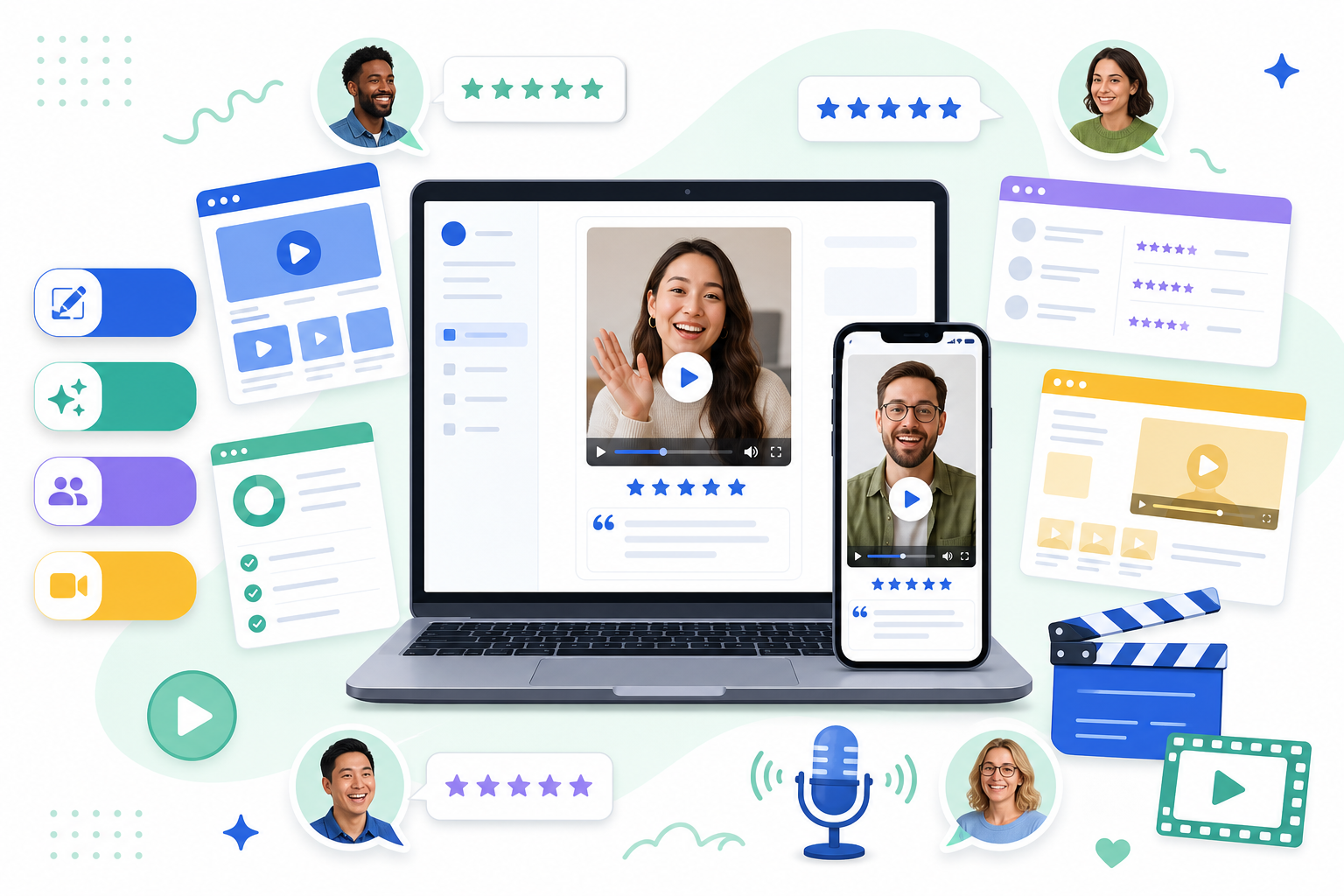
Why video testimonials matter
Text reviews are trusted. Star ratings are glanced at. But a well-produced video showing a real customer talking about your business? That converts. Pages with video testimonials consistently see higher engagement and conversion rates than those using text or image reviews alone.
The challenge is getting them. Traditional video testimonial software asks your customers to sit in front of a camera, record themselves, and submit a video file. For many businesses — especially local services, trades, and retail — that's a big ask. Most customers simply won't bother.
That gap is exactly what this guide is designed to address. We've compared the full spectrum of options: from basic design tools to dedicated self-record platforms, to AI-powered services like ReelReviews that generate polished branded videos from your existing text reviews.
The video testimonial spectrum
Each category solves a different problem. The right choice depends on what matters most to your business: effort, authenticity, branding, or participation rate.
The tools compared
Here's an in-depth look at the most popular options in each category.
What it does well
- Huge library of video and social templates
- Easy drag-and-drop interface
- Generous free tier
- Full brand kit control (colours, fonts, logos)
Where it falls short
- Every video requires manual creation — no automation
- No review collection or integration
- Time-consuming at scale
- Not built for testimonials specifically
What it does well
- Turns existing text reviews into polished branded videos — no customer effort required
- AI voiceover brings the review to life
- Full brand customisation: logo, colours, fonts, custom intro/outro
- Works for any business type — local, e-commerce, SaaS, agencies
- Contact us for custom packages based on your volume
- Videos optimised for 9:16 (social-first), other formats on request
Worth knowing
- Videos aren't self-recorded by the customer — uses AI voiceover instead
- 1–2 business day turnaround (not instant)
- You supply the review text; no automated import yet
- Not suited if your audience specifically needs live-to-camera video
What it does well
- Imports testimonials from 30+ platforms
- Collects both text and self-recorded video testimonials
- Embeddable widgets and "Wall of Love" for websites
- Sentiment analysis and tagging
- Free tier available; paid from ~$19/mo
Where it falls short
- Video output is basic — no AI voiceover or production value
- Relies on customers recording themselves (low participation)
- Videos are raw recordings, not polished branded content
- Basic analytics; not built for social publishing
What it does well
- Automated collection — customers record via a link, no app needed
- Built-in branded video editor (trim, add music, logo, transcripts)
- 49 ready-made templates to speed up requests
- 21-language transcription support
Where it falls short
- Participation rates are notoriously low — most customers won't record
- Expensive at scale: free plan limits 5 videos; Pro is $119/mo for 6 videos
- No text testimonial support
- Annual billing only on most plans
What it does well
- Uses video prompts (not text) to guide customers — higher quality responses
- AI-powered automatic video production after recording
- Customisable brand kits and video templates
- Sentiment analysis and embedding options
Where it falls short
- Still requires customers to record themselves on camera
- Free plan is very limited (15 responses, no downloads)
- Integrations are limited; no major platform imports
- Starter plan at $39/mo — costs grow quickly
What it does well
- Two-way interactive video conversations
- Supports video, audio, and text responses
- Great for onboarding, feedback flows, and surveys
- Payment collection and Calendly integration built in
Where it falls short
- Requires customers to record video responses
- Not designed specifically for testimonials
- Limited branding and video production features
- Can feel complex for a simple review collection use case
Side-by-side comparison
How each tool stacks up across the features that matter most.
| Tool | Customer effort | AI voiceover | Branded video output | No camera needed | Pricing model |
|---|---|---|---|---|---|
| Canva | You create it manually | ✗ | ✓ | ✓ | Free / £10+ p/mo |
| ReelReviews ★ | Send us the review text | ✓ | ✓ | ✓ | Contact us for pricing |
| Senja | Customer records or types | ✗ | Partial | Partial | Free / $19+ p/mo |
| Vocal Video | Customer records on camera | ✗ | ✓ | ✗ | $39–$119+ p/mo (annual) |
| StoryPrompt | Customer records on camera | ✗ | ✓ | ✗ | $39–$169+ p/mo |
| VideoAsk | Customer records or types | ✗ | Limited | ✗ | $24+ p/mo |
The key insight
The biggest drawback of self-record video testimonial platforms isn't the cost — it's participation. Research consistently shows that asking customers to film themselves results in very low response rates, especially for local businesses, trades, and retail. ReelReviews sidesteps this entirely: if a customer has already left you a written review on Google, you already have everything you need to create a video.
Which tool is right for you?
Use Canva if…
You have a designer on your team who can build branded video templates from scratch, you only need a handful of videos, and you're happy to invest the time manually each time a new review comes in.
Use ReelReviews if…
You already have text reviews (from Google, Trustpilot, or customers directly) and want them turned into polished, branded social-media-ready videos without asking your customers to do anything extra. Ideal for small businesses, agencies, e-commerce brands, and anyone who wants video content at scale. See what is an AI video testimonial and our how to turn reviews into videos guide.
Use Senja if…
Your priority is managing and displaying a large library of text testimonials on your website — it's excellent at collection, tagging, sentiment analysis, and embedding review widgets. Think of it as a social proof hub rather than a video production tool.
Use Vocal Video or StoryPrompt if…
You have an engaged, digitally-confident customer base who are willing to record themselves on camera — and you're prepared for lower participation rates in exchange for authentic live-to-camera footage. Works best for SaaS companies and B2B businesses with close customer relationships.
Use VideoAsk if…
You want to collect qualitative video feedback as part of a broader customer journey — onboarding, post-purchase flows, or sales conversations. It's more of a feedback and engagement tool than a testimonial production platform.
Video testimonial software by use case
Which tool suits you depends heavily on what you sell, where your reviews come from, and who you're trying to convince. These guides go deeper by business type:
Looking specifically for the automated approach? See our AI testimonial video generator. Switching from a tool you already use? See testimonial video alternatives.
Already have great reviews? Turn them into videos.
ReelReviews takes your existing customer reviews and produces professionally branded video content — with AI voiceover, your logo, colours, and custom templates — ready to post in 1–2 business days.